The biggest ideas from

all in one place.
read the recap

The IT service management (ITSM) software market is projected to reach $22 billion by 2028, driven by continued digital transformation and increasingly complex IT environments.
In 2026, the pressure is also on IT teams to deliver faster support with tighter budgets and leaner teams. Research from Gartner shows that IT leaders are prioritizing automation, faster ticket deflection, and productivity gains over traditional ticket volume metrics. As a result, AI-driven self-service and autonomous ITSM delivered through multiple channels like Slack, Microsoft Teams, or even the browser are becoming central to modern IT operations.
What does the ITSM tools landscape look like to keep up with the expectations of modern IT teams? Let’s examine how the role of ITSM platforms have evolved and where different tools stand in terms of AI capabilities and catering to the needs of the modern workplace.
IT service management (ITSM) tools are platforms that help IT teams manage requests, incidents, changes, and assets across an organization when employees run into issues with the devices, infra and apps they use.
But what that software actually does has changed dramatically over the past two decades, and understanding those shifts matters when you're choosing a tool in 2026.
ITSM has moved through three distinct eras:
The first generation of ITSM tools digitized the employee service desk. Instead of phone calls and email threads, employees submitted tickets into a queue, and agents worked through them one by one. Tools like the early versions of BMC Remedy and Cherwell (now Ivanti) defined this era. The value was in organization and visibility but the burden of routing, triaging, and resolving those tickets fell entirely on human agents.
Then IT teams grew by buying more tools and stitching them together via APIs, integrations, automations to build workflows. Platforms like ServiceNow and Jira Service Management made this possible at scale, with approval chains, SLAs, and configurable processes mapped to ITIL frameworks.
However, these workflows are useful only at the task level. They automate a step, not a job. They're also brittle by design and don't evolve on their own, which means IT teams end up spending as much time maintaining and re-configuring their workflows as they do actually resolving work.
The current era moves the unit of automation up several notches—from automating tasks to jobs. Instead of automating individual steps, AI-native platforms let IT teams build an entire AI workforce with specific AI coworkers that can own a job function end-to-end, with a defined role, responsibilities, skills, and guardrails around what it can and can't do. AI coworkers still work with the tools and workflows already in place, extended through emerging protocols like MCP and A2A.
An AI coworker can autonomously look at incoming work, diagnose it, triage it, break it down, and resolve it end-to-end faster than humans, around the clock. The result for IT teams is more capacity without more headcount. Platforms built for this era, including Atomicwork, are architected around that governance and infrastructure layer for the AI workforce from the ground up with model-agnostic providers like OpenAI, Anthropic, and Gemini.
With this understanding of the distinction in eras an ITSM tool was originally built for let’s dive into the top platforms for each era.
Era 1: Ticketing
Era 2: Workflows
Era 3: AI Workforce
We evaluated all 17 tools by:
Editorial disclosure: This guide is published by Atomicwork, which is included in the Era 3 comparison. We applied the same research process and sourcing standard to Atomicwork's own profile as to every competitor, including its actual Gartner and G2 reviews.
Now that the evaluation criteria is out of the way, let’s dive into the key features, pros and cons of each tool.
BMC Software was founded in 1980 to make expensive mainframe systems run more efficiently, then expanded steadily into IT operations software over the next two decades. BMC acquired Remedy Corporation's Action Request System in 2002—one of the oldest names in ITSM, having pioneered automated help desk software for LAN administrators. BMC folded Remedy into what eventually became BMC Helix, launching Helix in 2019 as the industry's first integrated ITSM + ITOM platform.
BMC Helix currently positions itself around "agentic AI for enterprise IT" offering AI-powered support that identifies risk and proactively prevents issues, especially at large, complex IT environments.
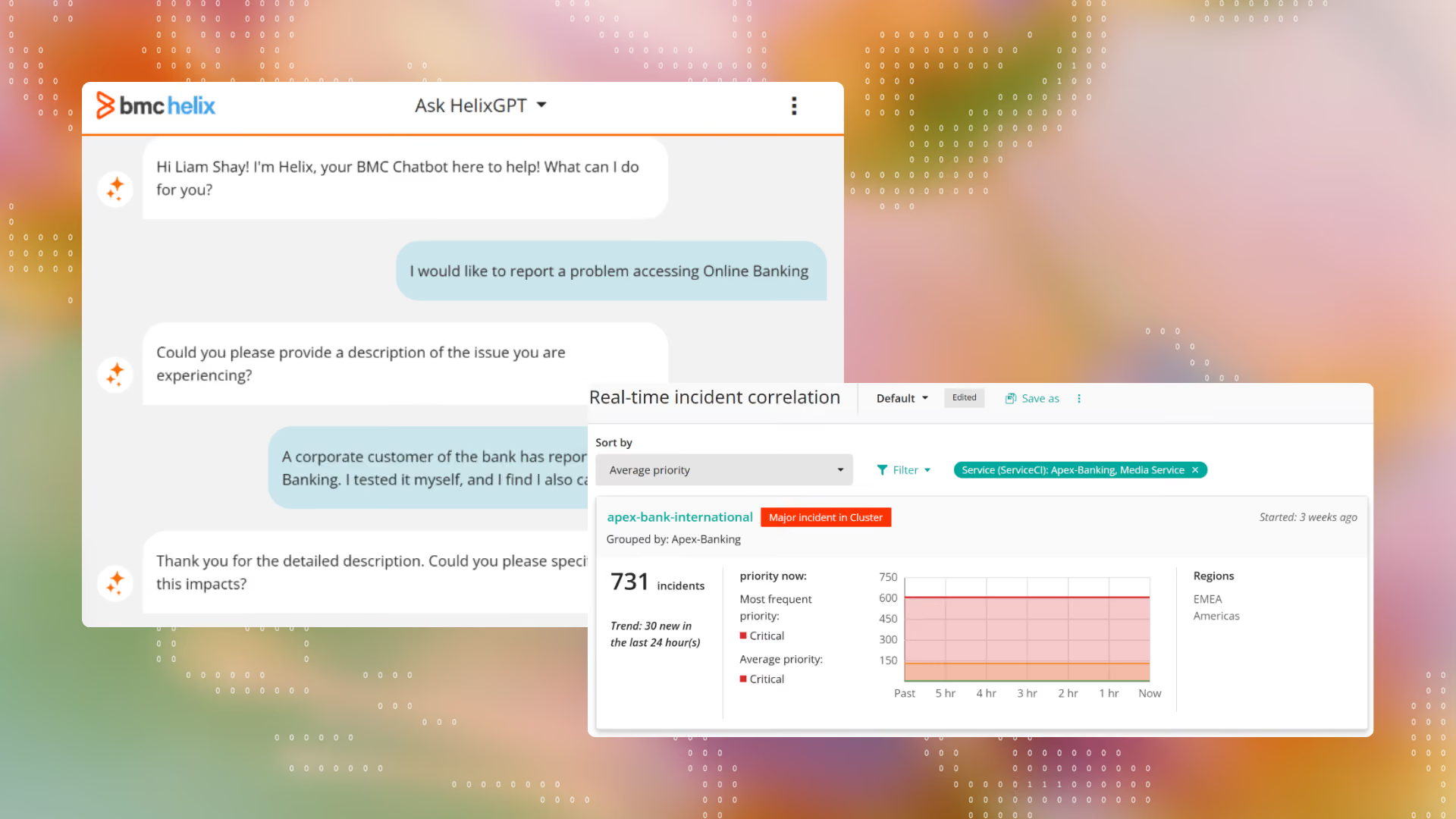
Who it's for: Large enterprises with mature ITIL practices that need deep workflow control and are willing to pay for it.
Latest AI capabilities: A fleet of AI agents spanning BMC Helix ITSM, Employee Navigator (their version of a conversational virtual assistant), and Customer Service Management. The 25.2 release expanded this into modular, purpose-built agentic AI blending proactive automation with user-configurable capabilities.
Key features:
Pros: Reviews on G2 say it excels at streamlining IT operations through ITIL-aligned workflows and strong automation, reducing manual effort.
Cons: Users report an outdated interface and maintenance difficulties, viewing it as expensive compared to its alternatives. One Gartner reviewer described upgrades as fragile enough that even a subset of the ITSM suite can take upwards of eight hours, with no real recovery path short of restoring from backup. G2Gartner
Pricing: No public pricing. Quote-based, scaled by users/modules.
Ratings: G2: 3.7/5 (296 reviews) · Gartner Peer Insights: 4.4/5 (260+ reviews)
What actual users are saying:
What I like best about BMC Helix ITSM is its balance between flexibility and enterprise-grade functionality. Having worked with different ITSM platforms, I've found that Helix does a good job of supporting complex IT processes without forcing organizations into rigid workflows. One of the biggest drawbacks for me is the user interface. - Verified user on G2
SysAid was founded in 2002 with a product built specifically for core help desk functionality aimed at small and mid-sized businesses that couldn't afford complex, expensive enterprise tools. SysAid added ITIL-aligned workflows, asset management, and mobile device management over the 2000s and 2010s, then, more recently, layered AI directly into that product.
SysAid now claims to be an ITSM solution offering all the ITIL essentials in a single tool, and a platform where AI agents take the first action on routine work, freeing IT teams for optimization and bigger problems.
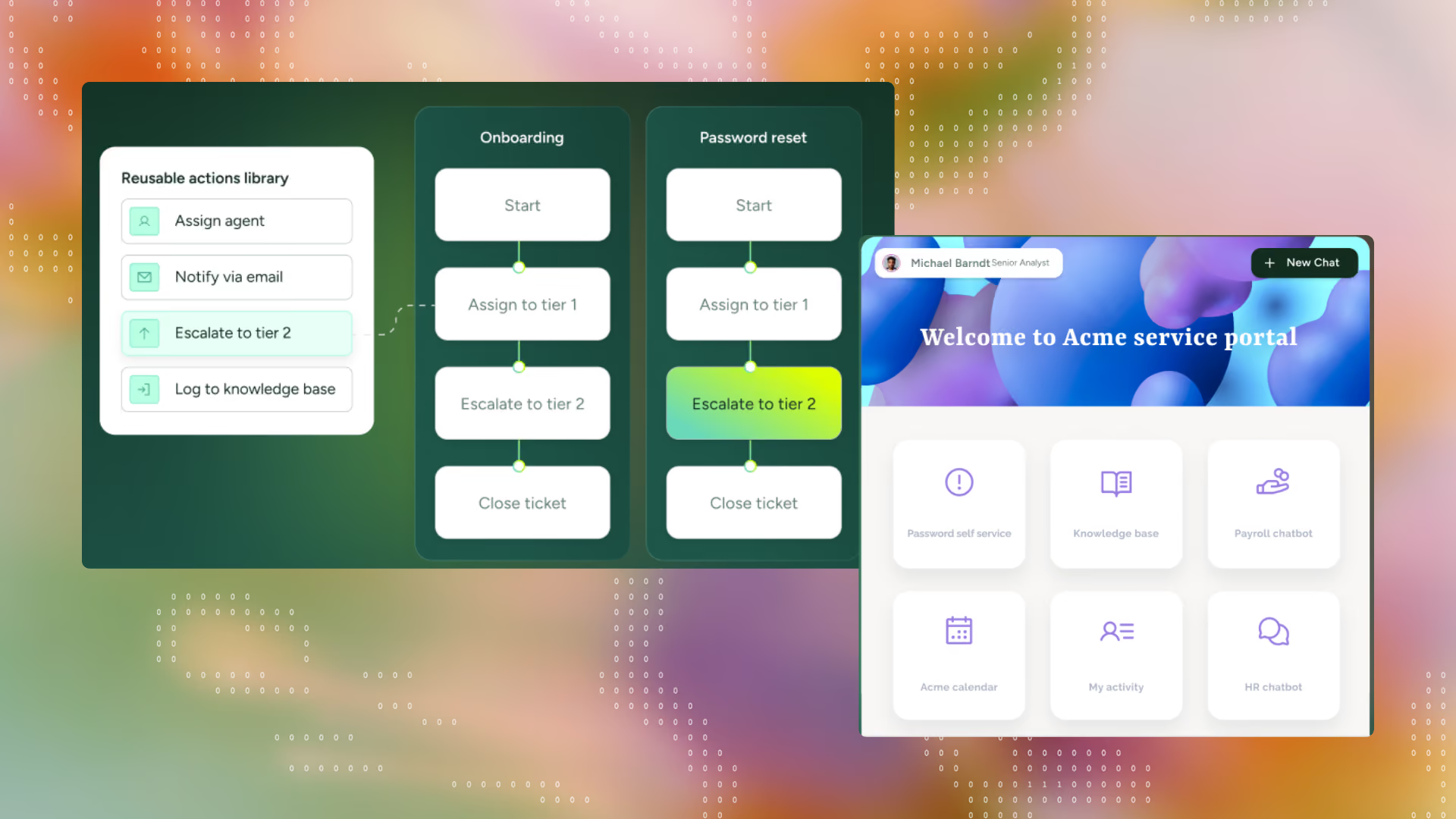
Who it's for: Mid-to-enterprise IT departments (roughly 50–5,000 employees) running ITIL-aligned workflows.
Latest AI capabilities: SysAid Copilot (for both agents and end users), an AI Agent Builder, an AI Agent Center for centralized management of deployed agents, an AI Emotion Detection that scans incoming tickets for frustration or urgency signals. SysAid launched Dex in June 2026 as an autonomous AI IT engineer that investigates, plans, and executes IT work end-to-end across Microsoft 365, Google Workspace, Okta and other SaaS tools.
Key features:
Pros: Users call out the ease of use, Microsoft Teams integration, and strong product support
Cons: Limited reporting capabilities and the ability to trigger events based on ticket life-cycle - meaning the ticket workflow functionality could be enhanced.
Pricing: Professional: $89/agent/month, Enterprise: custom quote, minimum 20 agents.
Ratings: G2: 4.5/5 (750+ reviews) · Gartner Peer Insights: 4.5/5 (690+ reviews)
What actual users are saying:
SysAid is an exceptionally powerful tool for ITSM as it is extremely customizable. SysAid has a helpful staff, as well as an active client community, to assist with any questions you may have. — Verified user on Gartner
Spiceworks was launched in 2006, built explicitly as a response to bloated, complex existing IT management tools, offering instead a lightweight, agentless network inventory app that could be installed and running in minutes. The free, ad-supported, community-driven model was the whole idea from day one.
Help desk ticketing was added on top of that original network-monitoring core, and the product has stayed true to that original positioning ever since, without competing on workflow depth or AI.
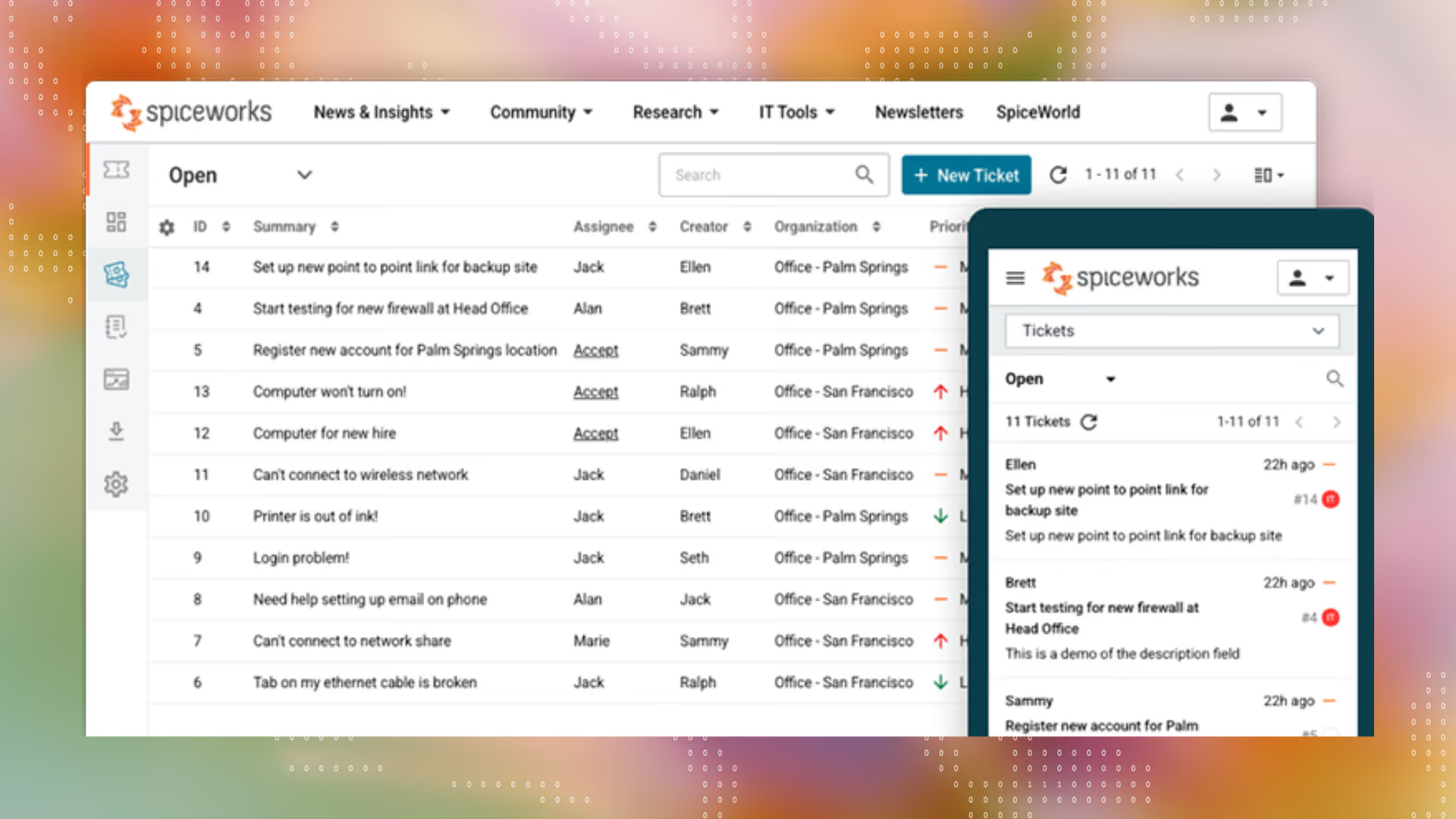
Who it's for: Smaller teams, internal IT departments, or budget-limited organizations needing core help-desk functionality without deep customization or complex workflows.
Key features:
Pros: Users highlight the ease of use, community support and robust ticketing features available for free
Cons: Limited for large organizations needing deep customization, complex workflows, or extensive integrations.
Pricing: Core plan: Free, ad-supported; Premium plan: ~$6/seat/month, ad-free.
Ratings: G2: 4.3/5 (311 reviews) . Gartner Peer Insights: 4.3/5 (200+ reviews)
What actual users are saying:
I've used Spiceworks products for over 10 years. We implemented the Spiceworks Help Desk because of a need to track support issues. The product has been excellent. — Verified user on Gartner
Zammad was founded in 2014 as one of the earliest open-source helpdesk systems. It was built to specifically fill the gap that none of the existing solutions offered the functionality and integrations that modern support work actually needed then.
The Zammad Foundation was later established to steward the open-source project permanently, with Zammad GmbH as the commercial arm for services and support. They’ve recently introduced AI with the core idea of being sovereign in design where users can choose their own LLM models and AI remains optional for only the teams that need it.
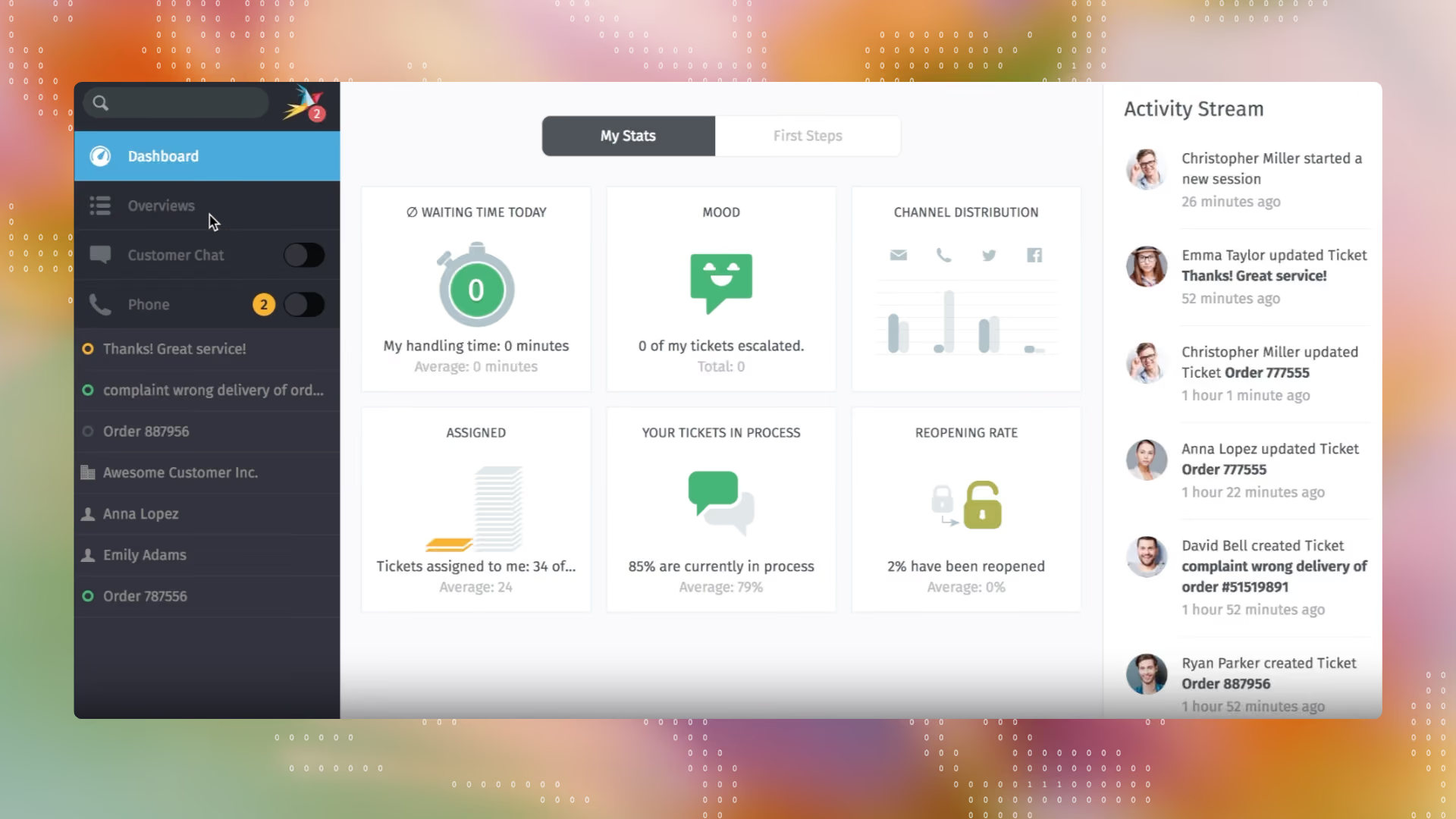
Who it's for: European and data-sovereignty-conscious support teams (roughly 10–30 agents) wanting GDPR-compliant, self-hostable ticketing at low cost.
Latest AI capabilities: As of Zammad 7.0, their integrated AI features such as AI agents, ticket summarization, and an AI writing assistant are available with free choice of LLM provider. AI is billed separately on the plans Zammad AI is included as a feature as a pay-per-use add-on at €0.03 per call, across seven LLM options including Zammad AI, OpenAI, Anthropic, Azure AI, Mistral, Ollama, or a custom endpoint like Google Gemini.
Key features:
Pros: Their open-source approach allows for greater flexibility and customization on a clean interface.
Cons: Mobile version is not very user-friendly and there is a miss in the richness of the feature set like identifying trend patterns or analyzing performance reports.
Pricing: Community (free, self-hosted) with consulting services starting at 2999€ · The hosted version starts at ~7€/agent/month.
Ratings: G2: 4.5/5 (~10 reviews)
What actual users are saying:
I like the fact that it is open source and it allows me to use it for as many businesses and accounts and I need to. Also the fact that it has been updated on a regular basis as a software. - Verified user on G2
Founded as Samanage in 2007, they first shipped their IT asset management software in 2010 after three years of development, then adding service desk functionality in 2011. It was ITIL-ready from early on with a self-service portal, service catalog, knowledge base, and SLA management.
SolarWinds acquired Samanage in 2019 and is now positioned primarily as an monitoring and observability platform with service management capabilities.
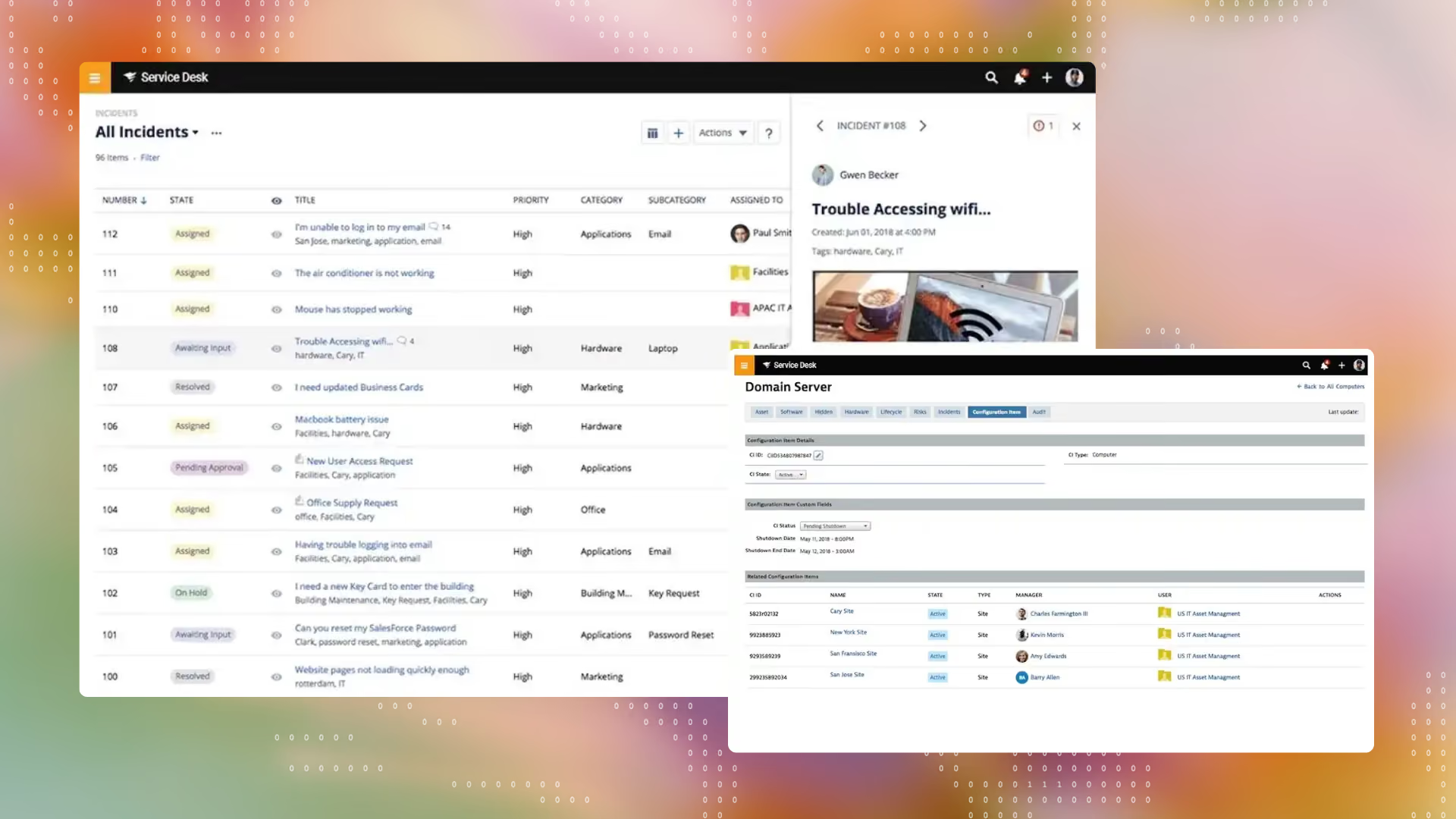
Who it's for: Small to midsize IT teams (roughly 40% small business, 34% midsize among reviewers) wanting core ITSM without enterprise-platform complexity.
Latest AI capabilities: They’ve focused on an AI Assistant that surfaces information and helps perform specific tasks, plus an AI-powered knowledge base and are lighter on agentic AI than other incumbents.
Key features:
Pros: Having strong IT service management, asset management and observability features in one platform is called out by users as a huge advantage.
Cons: Automation options are limited and it lacks the deep flexibility needed by complex environments due to fewer third party integrations and limited customer support.
Pricing: $39/technician/month for the Essential plan in the IT service desk module.
Ratings: G2: 4.3/5 (764 reviews) . Gartner: 4.3/5 (1000+)
What actual users are saying:
I have used many different ITAM and service desk software and in my opinion Solarwinds Service desk is one of my favorites! Very easy to navigate and setup. The scanning agent works really well and is easy to deploy on all devices. — Verified user on Gartner
Fred Luddy founded ServiceNow in November 2003 as Glidesoft, Inc., after watching IT service tools stay slow and tied to heavy on-premises infrastructure, and set out to build something cloud-based, user-friendly, and flexible instead - a radical bet at the time. It was the beginning of a workflow automation layer for the entire enterprise as HR or legal could adopt it too with no structural barrier once IT deployed it.
In 2026, ServiceNow is pushing that thesis into "AI that senses, decides, and securely acts," expanding its Autonomous Workforce of AI specialists and deepening its partnership with Microsoft for cross-platform AI agent governance.
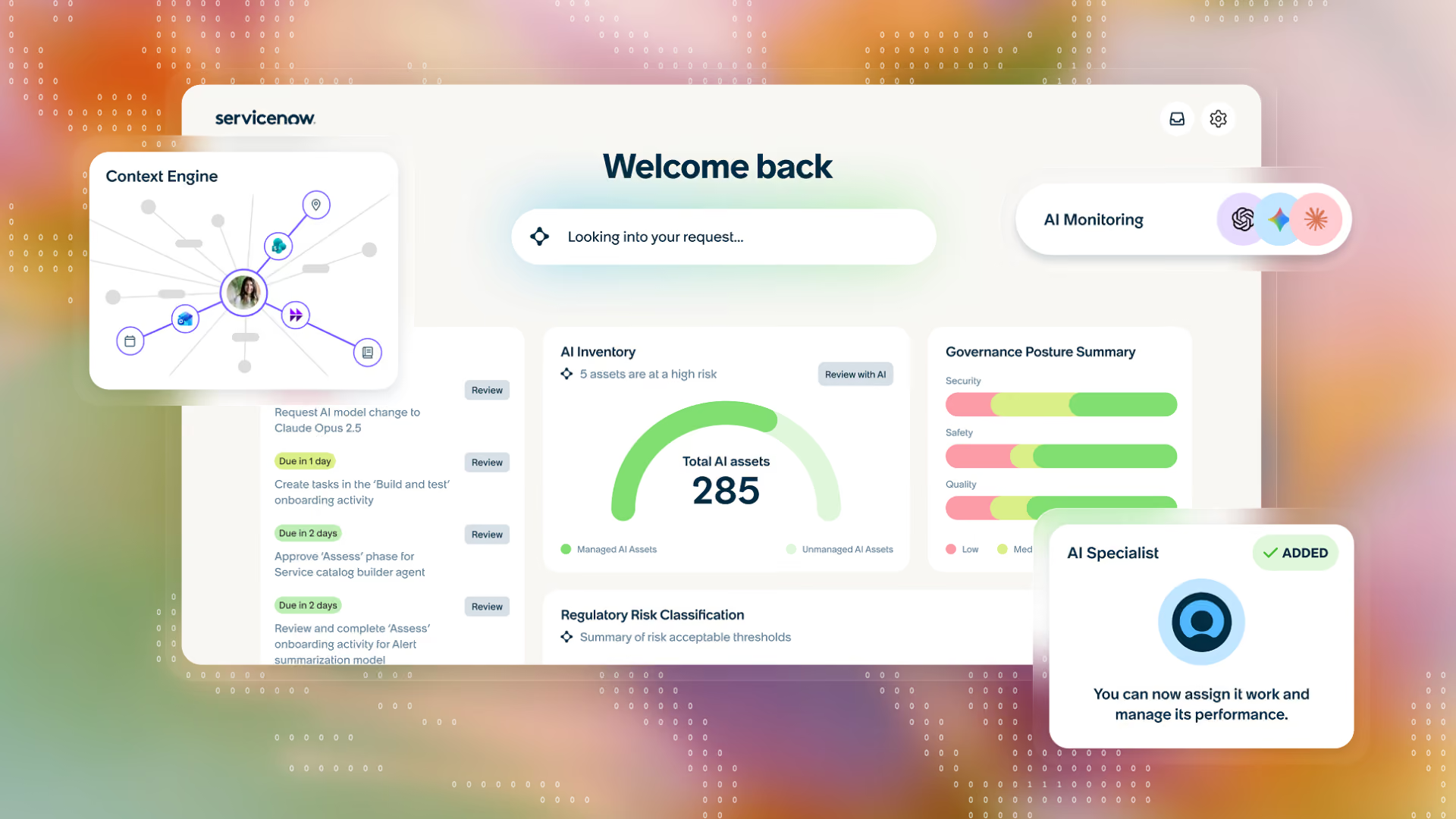
Who it's for: Large, complex enterprises that need one workflow platform spanning IT, HR, CRM, and security and have the budget and implementation runway to match.
Latest AI capabilities: Now Assist is ServiceNow's generative AI layer for ITSM — incident summarization, resolution recommendations, knowledge article drafting, and workflow assistance embedded directly in the Now Platform.
At Knowledge 2026, ServiceNow launched new AI specialists for IT, CRM, employee service, and security/risk. It also unveiled Project Arc, a desktop AI agent for complex multi-step work, alongside NOWAI-Bench, an open benchmarking suite for agentic evaluation.
Key features:
Pros: Users value ServiceNow's workflow functionalities, seamless integrations, and automation that simplifies incident, change, and problem management.
Cons: Users find the learning curve steep, expensive licensing and implementation costs with average implementation time at around 5 months.
Pricing: No public pricing; quote-based only.
Ratings: G2: 4.5/5 (1,900+ ) · Gartner Peer Insights: 4.3/5 (2000+ reviews)
What actual users are saying:
Overall our experience with ServiceNow ITSM has been very good. In a large scale environment like ours, it has handled complex workflows and integrations quite well. The initial setup needed careful planning and the right expertise. — Verified user on Gartner
Atlassian built Jira Service Desk in 2013 after noticing that Jira customers were already adapting the tool to handle service requests. By the time Atlassian launched the next generation in 2020, Jira Service Desk had 25,000 customers, and Jira Service Management merged in modern incident management powered by Opsgenie, plus deeper integrations with Jira Software, Bitbucket, and Confluence. The product's DNA has always been ‘Jira's workflow engine, extended into IT’, feeling closer to a development tool than a purpose-built ITSM suite.
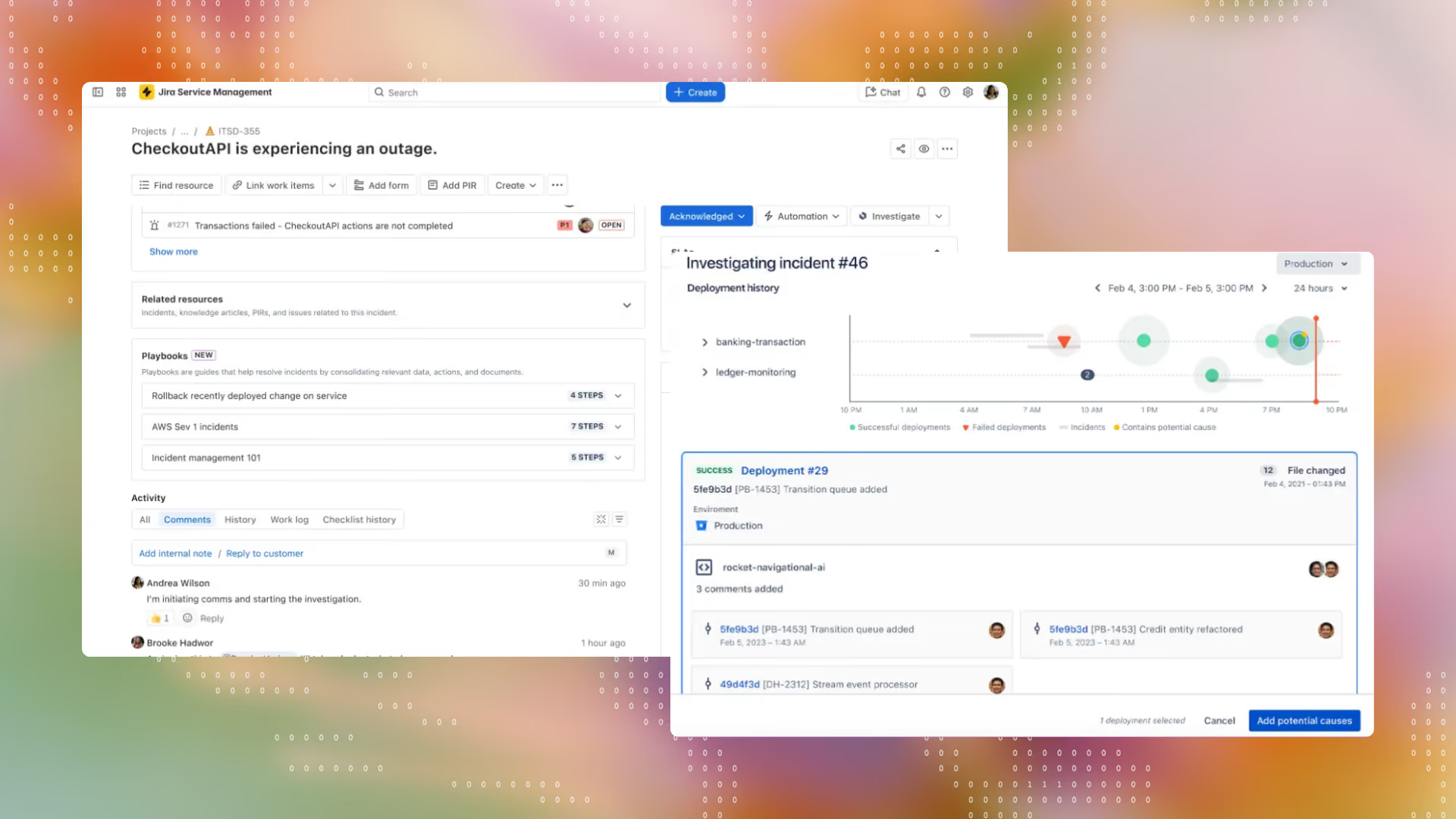
Who it's for: Atlassian-ecosystem companies, especially engineering-led organizations that want ITSM tightly coupled to their existing dev workflows.
Latest AI capabilities: Rovo, Atlassian's agentic AI platform, is bundled into paid Jira Service Management plans where Rovo Search, Chat, and Agents can take actions and invoke other agents, with differing credit limits.
Key features:
Pros: Users highlight seamless integration with Jira Software, enhanced collaboration across teams, and customizable workflows.
Cons: Setting up workflows and automation also translates to a fairly slow learning curve, particularly for users outside a technology environment.
Pricing: Standard plans start from ~20/per agent/month, Premium:~51/agent/month and a custom pricing for Enterprise plan.
Ratings: G2: 4.3/5 (900+ reviews) . Gartner Peer insights: 4.4/5 (1400+ reviews)
What actual users are saying:
What I like most about Jira Service Management is its seamless integration with Jira and its ability to streamline service requests, incident management, and support workflows. The initial setup and configuration can be complex, especially for teams without dedicated Jira administrators — Verified user on G2
Freshworks launched Freshservice in January 2014, after noticing that many Freshdesk customers were actually using the customer-support software for their internal IT teams. The bet paid off fast as Freshservice hit $1 million in annual recurring revenue within just 10 months, showing that users were looking for an ITIL-aligned ITSM without the ServiceNow-level cost and complexity.
Currently, Freshservice is invested in unifying ITSM, ITOM, IT asset management, and enterprise service management on a single platform with a shared data layer to extend the same service experience beyond IT into HR, finance, and facilities.
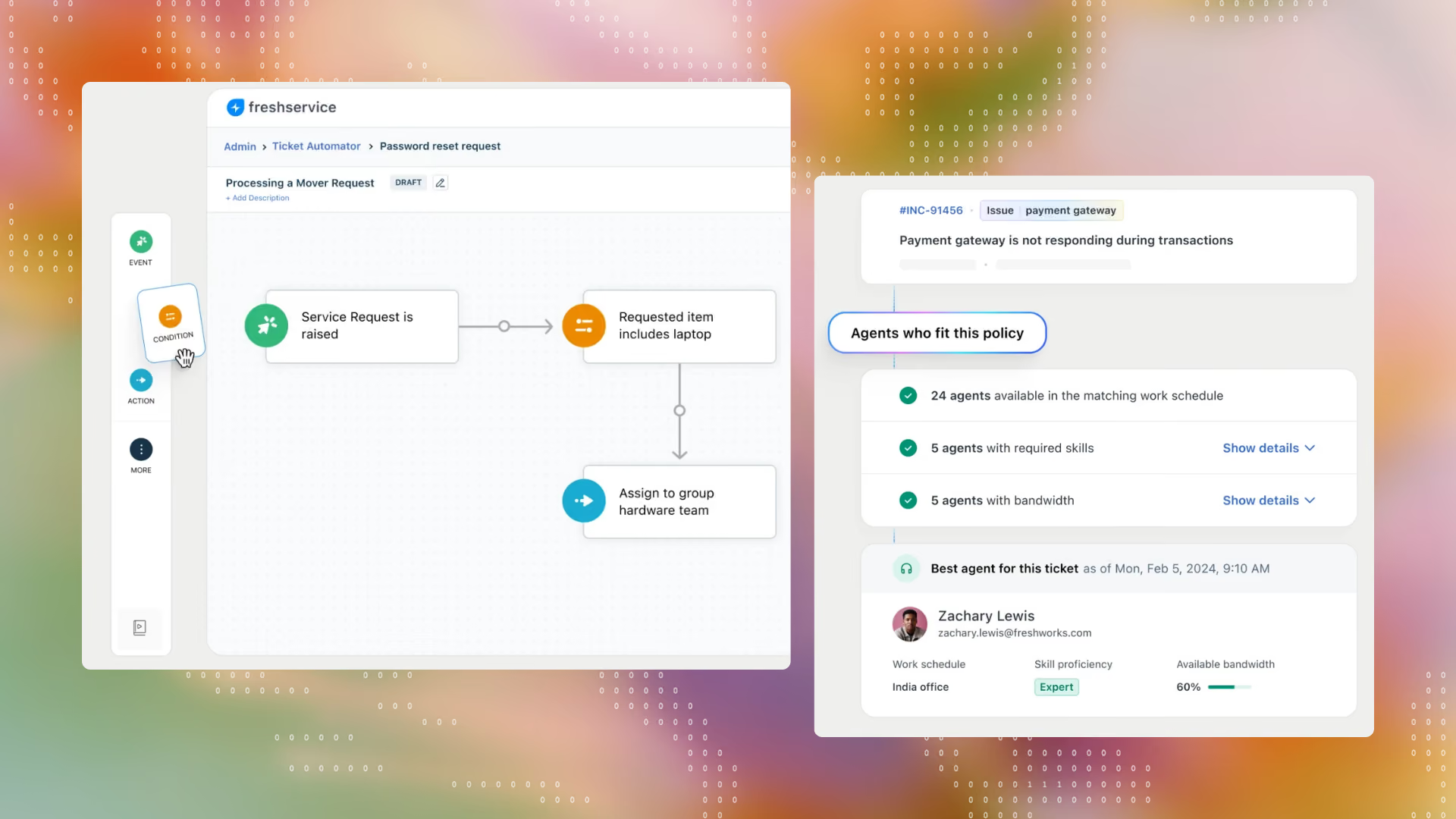
Who it's for: Mid-market IT teams that follow ITIL and want a capable service desk without legacy players’ cost and complexity.
Latest AI capabilities: Freddy AI agents now span Microsoft Teams, Slack, and the service portal, with AI-powered search across enterprise sources like SharePoint, Confluence, and Google Drive. They have the Freddy AI Copilot to help agents resolve issues faster and Freddy AI Insights that give leaders insight to make better decisions. However, Freddy AI is available only as AI add ons in the Pro and Enterprise plans.
Key features:
Pros: Users mention the ease of use, quick setup, strong integration with existing tools as the biggest advantages over legacy ITSM tools.
Cons: Analytics capabilities are reported to be limited and the Freddy AI features are available only as add ons on higher plans that proves expensive for small and mid-market teams.
Pricing: Starter plan is from $19/agent/month, Growth plan is at 40$/agent/month and the Pro plan is from about $80/agent/month.
Ratings: G2: 4.6/5 (1,300+ reviews) . Gartner: 4.4/5 (1100+ reviews)
What actual users are saying:
What I like most about Freshservice is how simple and organized it makes day-to-day support work. The interface is easy to navigate, ticket tracking is straightforward, and the automation features save a lot of time by cutting down on manual follow-ups…some customizations can be complicated, and I wish the reporting options were more flexible. — Verified user on G2
In January 2017, LANDESK (that introduced desktop management in 1993) and HEAT Software (a Saas-based ITSM provider) merged to form Ivanti, combining LANDESK's endpoint/patch-management strength with HEAT's cloud-native ITSM workflow engine.
Recently, Ivanti positions Neurons as its AI-powered platform for unified, reusable IT and security services that helps teams with greater visibility, scalability, and secure implementation, following ‘Secure by Design’ principles.
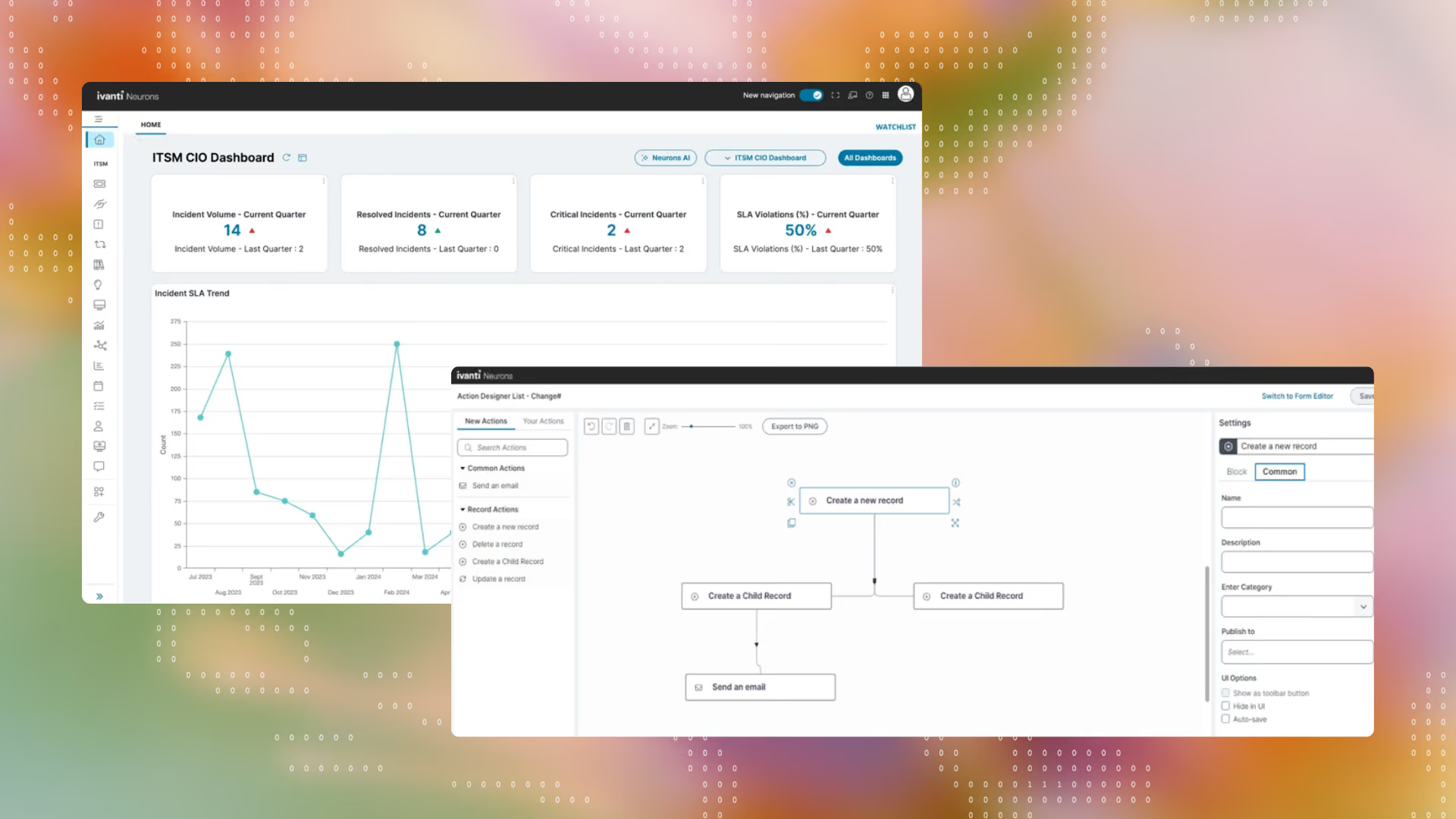
Who it's for: Mid-market and enterprise organizations with dedicated IT administrators and budget for professional services during implementation.
Latest AI capabilities: They have recently introduced agentic AI with specialized agents for different ITSM tasks, apart from conversational self-service and policy-aware automations.
Key features:
Pros: Strong customization and flexibility via workflows, forms, and processes that can be tailored to organizational needs rather than forcing a rigid structure.
Cons: A complex, overwhelming interface, especially during setup that leads to a steep learning curve, and extensive customization requiring advanced technical skill or scripting.
Pricing: No public pricing; quote-based.
Ratings: G2: 4.2/5 (250+ reviews) · Gartner Peer Insights: 4.3/5 (300+ reviews)
What actual users are actually saying:
I like Ivanti Neurons for ITSM mainly because it gives us a centralized way to manage incidents, requests, and the associated workflows. In a client environment, processes can vary quite a bit, so the ability to customize workflows, approvals, and dashboards is helpful…The main area I would improve is the administration and configuration experience. — Verified user on G2
Zoho Corp (originally AdventNet) started building SNMP APIs and network management platforms for the telecom industry. Soon the company diversified into enterprise IT management, and in 2002 that diversification became ManageEngine as a dedicated division built directly on the carrier-grade telecom platform Zoho had already spent years hardening.
They position themselves as a comprehensive, unified ITIL-aligned service desk with consistent service experiences across multiple channels and analyzing service data to optimize service delivery.
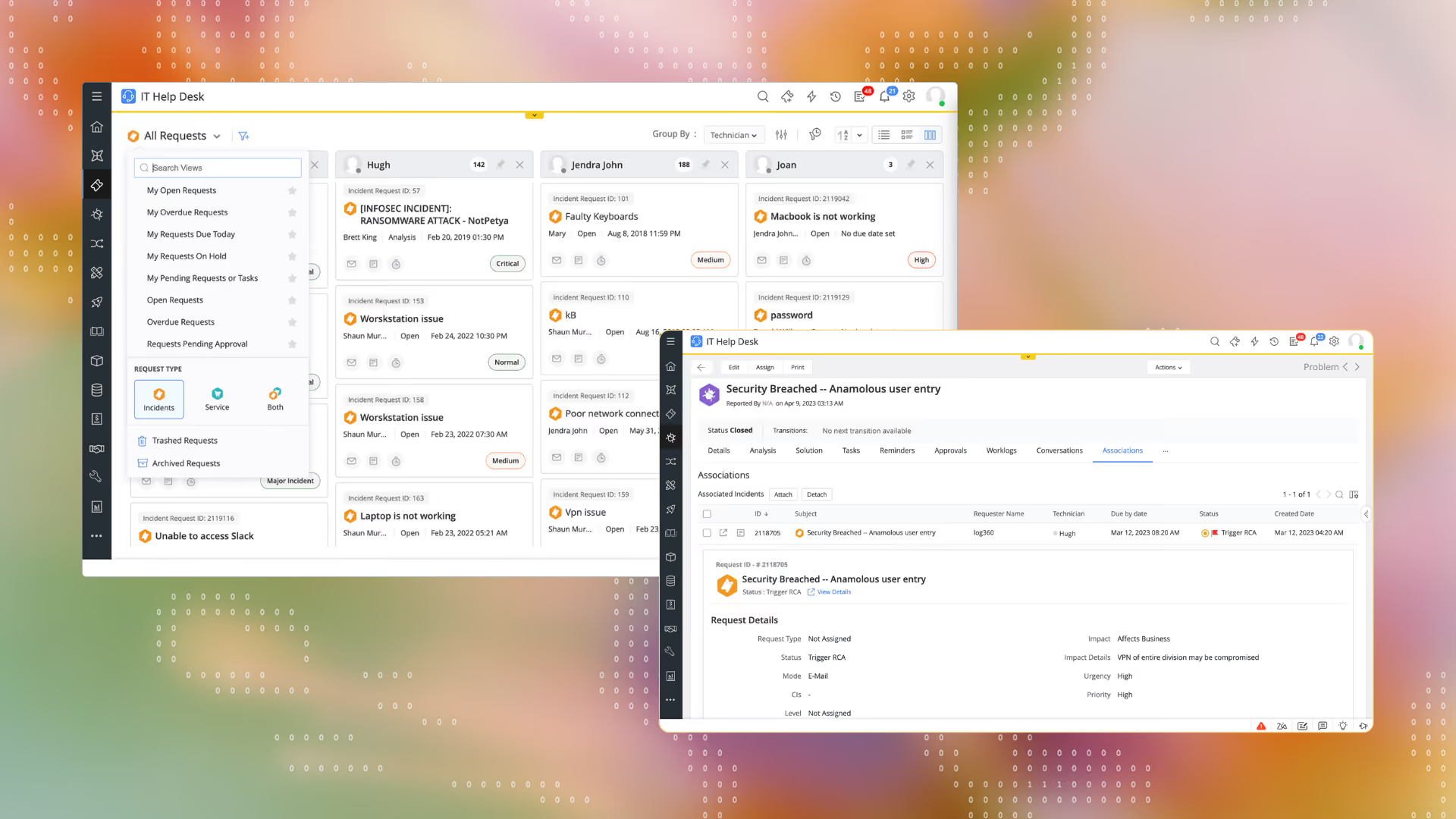
Who it's for: Budget-conscious mid-market IT teams that want full ITIL coverage, including asset management and CMDB.
Latest AI capabilities: Zoho has introduced their AI and ML layer with generative AI that can offer intelligent user experiences via their virtual agent Zia, digital employees termed as Zia agents, and Zia dashboard to track AI usage and insights.
Key features:
Pros: ITIL depth, intuitive interface and robust integration capabilities with other ManageEngine products are called out as advantages.
Cons: Certain modules like the change management module are not as mature as the other constructs. Users also state that product agility and new feature launches are slow and not on par with market expectations.
Pricing: Standard (IT help desk) from $13/technician/month · Professional (IT help desk + asset) from $27/technician/month · Enterprise (IT help desk + asset + change + projects) from $67/technician/month. CMDB, service catalog, project management, problem management, change and release management, and live chat are available as add-ons on top of these pricing tiers.
Ratings: G2: 4.2/5 (244 reviews) . Gartner Peer Insights: 4.4/5 (1400+ reviews)
What actual users are saying:
I have been using ServiceDesk Plus for over 10 years. The most consistent comments I have about ServiceDesk Plus as a whole is that the support team is incredibly helpful and makes this product worth the continued use, as well as the product has remained mostly the same over the years. - Verified user on Gartner
TeamDynamix was founded in 2001, with a focus on building technology that enabled better team collaboration, workflow, and visibility across the enterprise and not ITSM specifically at first. The company expanded from team collaboration and Project Portfolio Management into full lifecycle IT Service Management, and from there into broader enterprise service needs across HR, marketing, facilities, and legal.
They position themselves as the leading no-code ServiceNow alternative for mid-market and upper-enterprise organizations, unifying ITSM, ITAM, ESM, PPM, and Conversational AI Virtual Support Agents on one no-code platform.
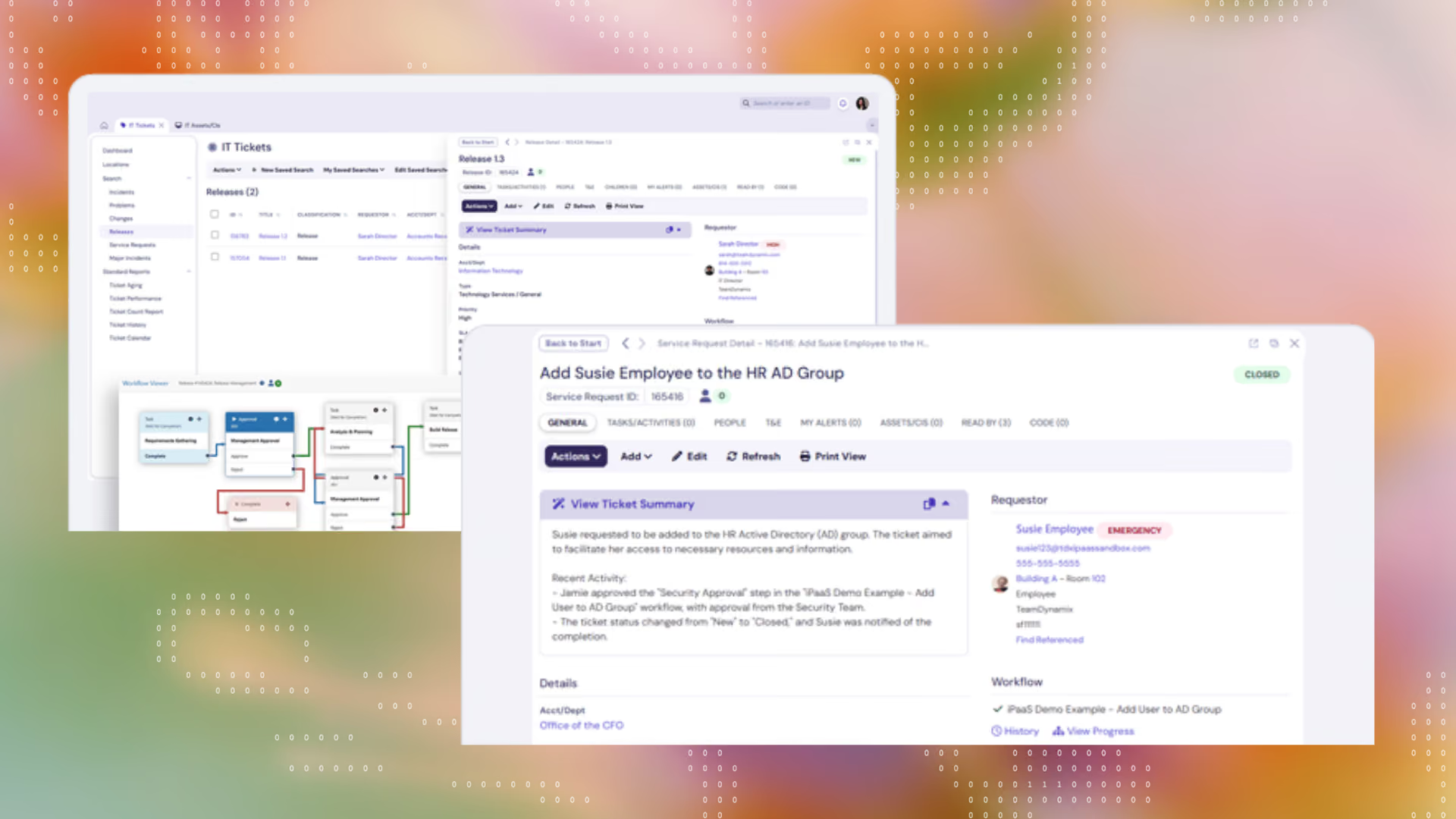
Who it's for: Organizations, especially in the higher education, healthcare, and government sectors, that want ITSM/PPM breadth without developer-dependent implementation.
Latest AI capabilities: Their AI layer is limited to an AI Service Assist and multi-channel conversational AI.
Key features:
Pros:
Flexibility and configurability of the platform for different use cases and the iPaas components are consistently called out as highlights.
Cons: Despite being termed as no-code platform, some functions are said to require developer knowledge with admin functions not being intuitive to locate or modify.
Pricing: Not publicly listed; custom quote required.
Ratings: G2: 4.5/5 (100+ reviews) . Gartner Peer Insights: 4.6/5 (300+ reviews)
What actual users are saying:
The best part about TeamDynamix is that it just works. There is very little downtime, and it provides a consistent workspace…For people who do not use the software full-time, the UI and workflows can be intimidating. - Verified user on G2
Started as 4me in 2010, they launched the first comprehensive set of integrated ITIL-based service processes with detailed work instructions, which was later acquired by BMC Software.
4me was built explicitly to make it easy for every support domain within large enterprises like IT, HR, Facilities to work seamlessly with each other, as well as with their external managed service providers, routing requests to whichever internal or external party should handle them. The company rebranded from 4me to Xurrent in September 2024 sticking to the same architecture while modernizing around AI.
Xurrent positions itself as an AI-powered service and operations management platform for modern enterprises to break down silos and enable seamless collaboration across teams.
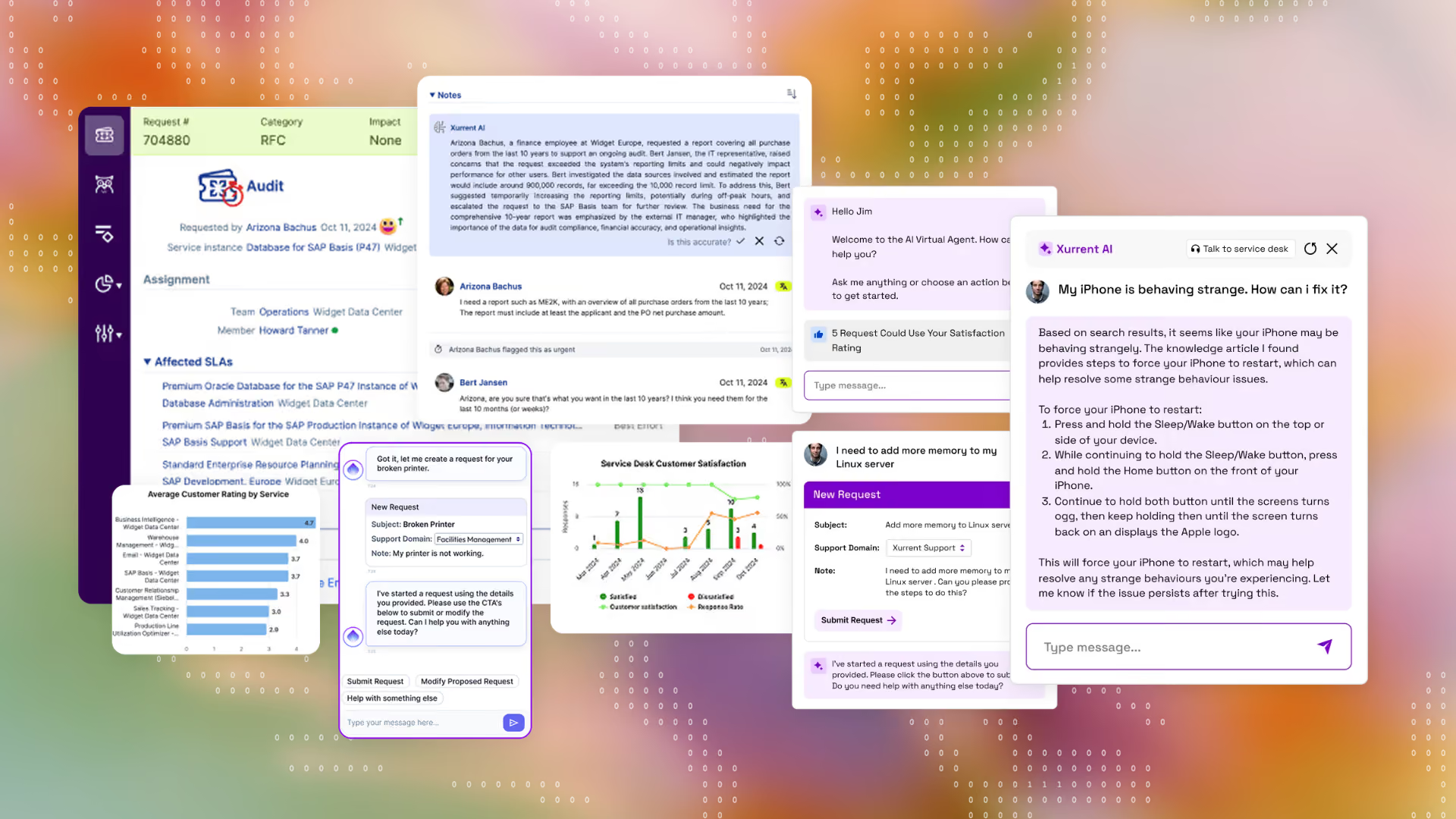
Who it's for: Mid-size to large enterprises and MSPs that need cross-organizational service management across internal departments and external providers.
Latest AI capabilities: Last year, Xurrent launched their AI fabric - Sera AI for enhanced ticketing. More recently they’ve introduced autonomous AI agents and their MCP server to triage and close tickets faster.
Key features:
Pros: Xurrent Users highlight the low maintenance costs and the ability to sync internal teams and external vendors on one platform to run global IT operations.
Cons: Users note the outdated UI, limited integrations, and the documentation not being up-to-date as the main cons of Xurrent.
Pricing: Three-tier model, quote-based; Their Starter pack is for 10 Platform Users/Month but the licensing cost is not disclosed.
Ratings: G2: 4.6/5 (80+ reviews) . Gartner Peer Insights: 4.5/5 (250+ reviews)
What actual users are saying:
Very fast Enterprise Service Management application which can be tailored on your company needs with the ability to create direct connections with Suppliers and Customers, where all the managed internal and external Services are the starting point with an outstanding awareness and focus on security. — Verified user on G2
Tired of legacy ITSM tools that were costly, slow to implement, and unfriendly to employees, Atomicwork was founded in the AI era to rethink ITSM from the ground up rather than patch workflow tools with AI features.
Atomicwork is now a comprehensive AI workforce platform for IT, HR, and Finance teams, consisting of specialized AI Coworkers like an Onboarding Manager or an Access Manager that own roles end-to-end and actually do the work for you. Atomicwork integrates with your common collaboration tools like Microsoft Teams and Slack and syncs with your identity, device, and application stacks to resolve requests directly where your employees already work. Atomicwork’s universal AI coworker, Atom, delivers instant support for employees alongside full ITSM modules for requests, incidents, changes, problems, and assets.
Who it's for: High growth companies in the mid-market to enterprise segment, including organizations already running ServiceNow or Jira Service Management, that want to deploy an AI workforce on top of or instead of their existing platform.
Key AI features:
Pros: Users like Atomicwork for streamlining workflows and enhancing L1 and L2 ticket deflection up to 65%, with instant support and reliable, agentic automation.
Cons: Users note they'd like more customization options for workflows, and some integrations could be more seamless.
Pricing: Atomicwork pricing is based on usage or outcome to provide maximum value for customers. The usage-based plans start from $25,000/year (2 AI coworkers, up to 250 end users, 500 managed devices). Outcome based is split by knowledge support($1 per outcome), access automation($2 per outcome) or service resolution($3 per outcome) with minimum outcome limits applicable for every category.
Ratings: Gartner Peer Insights: 4.7/5 (11 reviews)
What actual users are saying:
What struck us about Atomicwork was the company and the product was being built from the ground up with an AI-first lens.There was a strong willingness from Atomicwork to be nimble, to listen to us as a customer. - Steven Meek, CIO of PepperMoney
Console was started in 2024 with CTO Neal Chandra in San Francisco, explicitly differentiating from existing AI-help-desk competitors by forgoing the complex installation processes or replacing their help desk, rather just to plug into Slack.
Console positions itself as the AI-native platform for ITSM, built to help teams automate support and shift from doing the work to managing the system that does the work for them, handling use cases like onboarding, access reviews, and vendor requests.
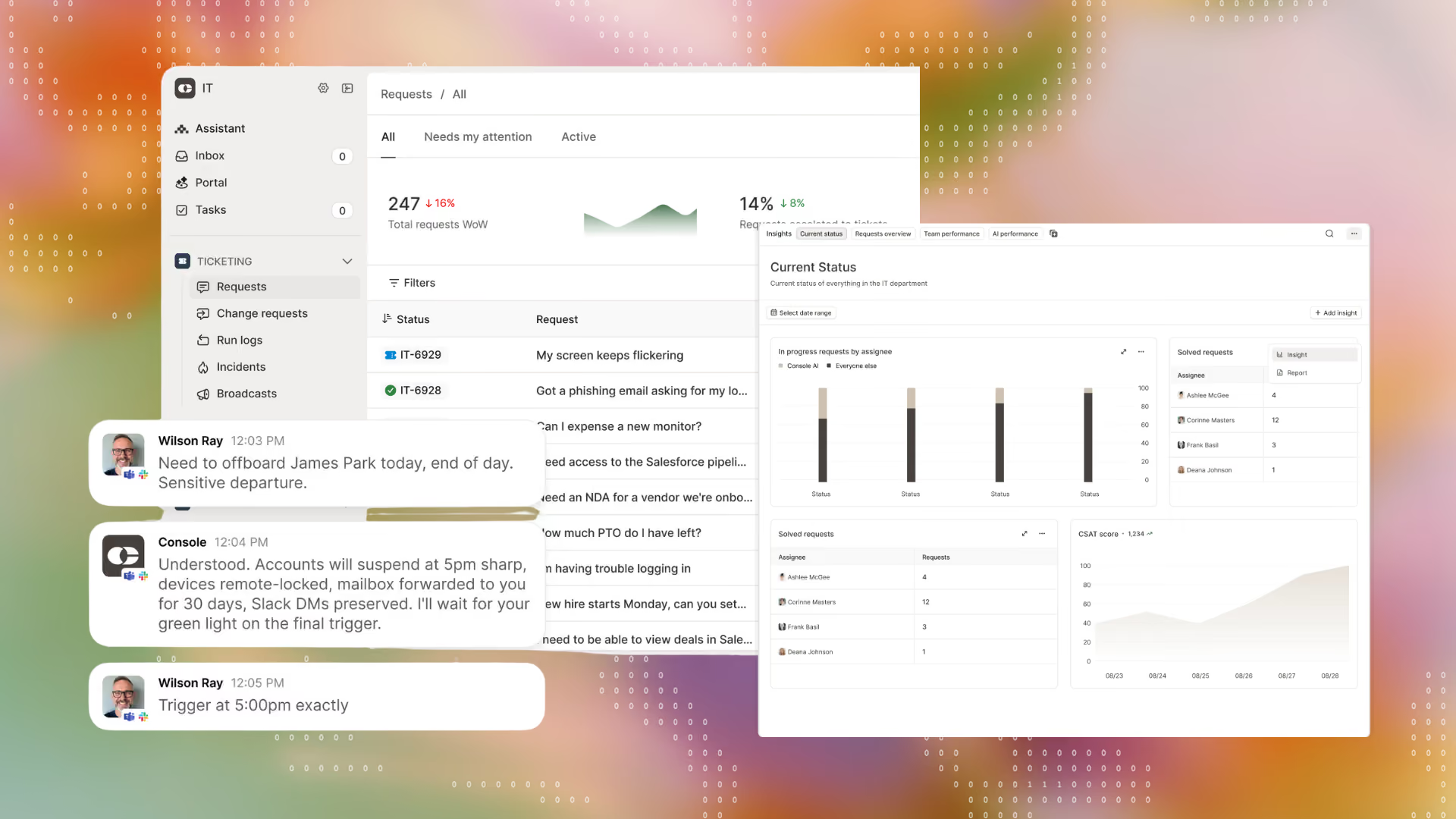
Who it's for: Lean, fast-growing small and mid-market IT teams that run high ticket volumes and want to avoid headcount growth without replacing an existing ticketing system entirely.
Key AI features:
Pros: Natural-language interface, quick responsiveness of the tool, and the customer support are appreciated by Console users.
Cons: Console users also call out the lack of in-depth product tutorials and missing ITSM features which other AI ITSM tools have launched.
Pricing: No public pricing; custom quote requested
Ratings: G2: 4.9/5 (20 reviews) . Gartner Peer Insights: 4.9/5 (11 reviews)
What actual users are saying:
Console allows me to easily manage multiple office requests via its intuitive interface. The dashboard conveniently sorts tickets by employee, requester, assignee, and category. Consolidating everything into one central place has allowed me to keep much better track of my workflow. — Verified G2 user
Aisera was launched in 2017 as a predictive AI Service Management (AISM) solution to automate tasks and actions for IT, HR, Facilities, and Customer Service. The founding motivation was applying AI and automation to the mundane, repetitive tasks common across IT service operations.
Automation Anywhere acquired Aisera on November 4, 2025, folding its conversational AI and ITSM capabilities into Automation Anywhere's Agentic Process Automation platform.
Aisera positions itself as an agentic-first architecture built around autonomous AI from inception, now extending into Automation Anywhere's process automation depth.
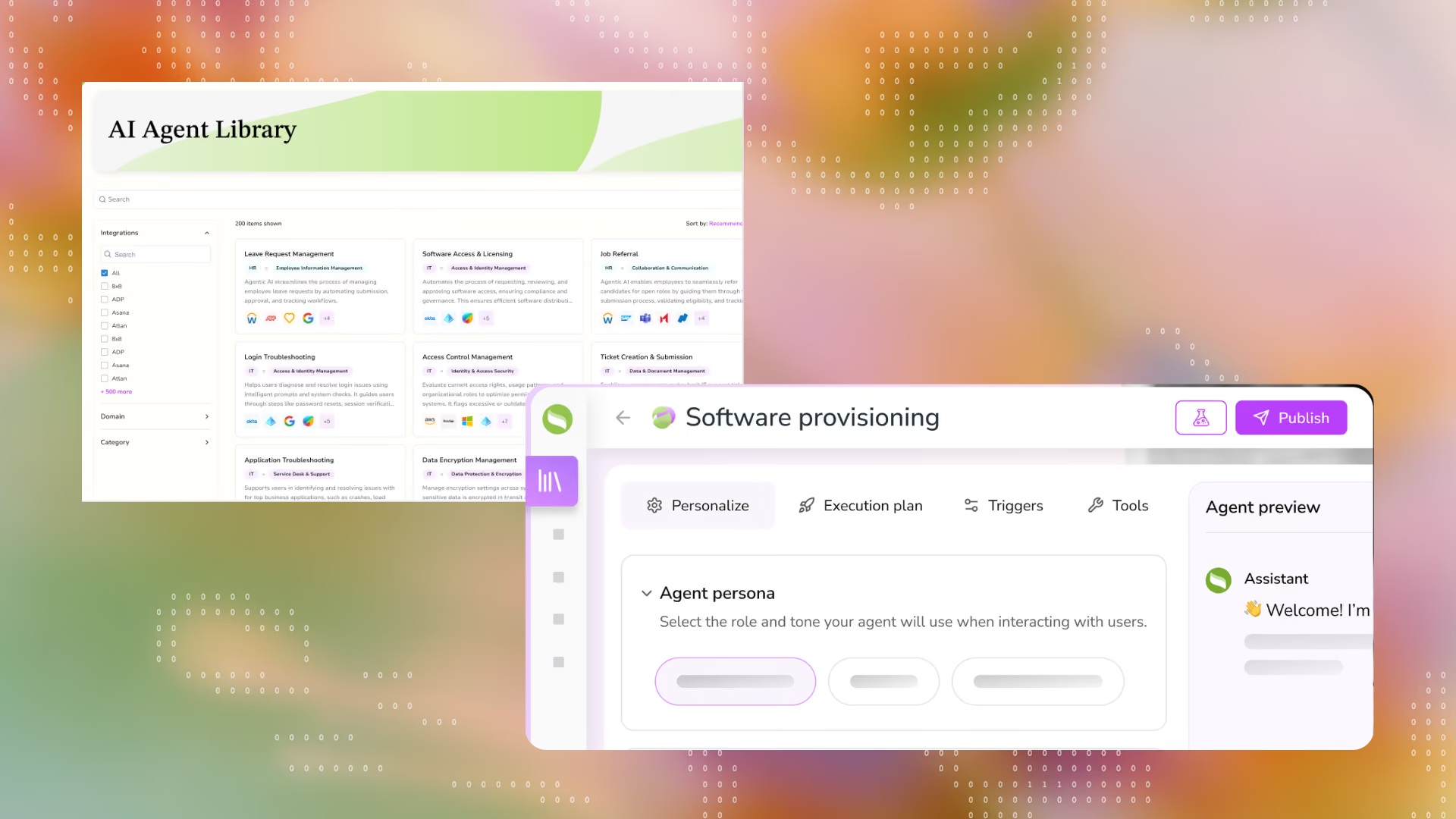
Who it's for: Large enterprises with the budget and change-management capacity for a multi-team (IT, HR, CX, finance) AI deployment.
Key AI features:
Pros: Aisera users appreciate the natural language engine, their virtual assistant’s accuracy, and its integration with common collaboration tools.
Cons: Training the AI to give expected responses, fine-tuning as per different use cases, and defining workflow logic takes time, as per Aisera users.
Pricing: No public pricing. Custom enterprise quotes.
Ratings: G2: 4.4/5 (140+ reviews) . Gartner Peer Insights: 4.3/5 (170+ reviews)
What actual users are saying:
I like how Aisera automates repetitive service desk requests across IT and HR. The AI can understand natural language pretty well and gives quick responses… The platform is powerful, but it takes some effort to set up and fine-tune for specific business needs. The initial configuration and training the AI to match our workflows needed extra time. - Verified G2 user
Rezolve AI was founded in 2017, to move from simple chatbots toward a GenAI orchestration platform integrated with Teams and Slack. They started with an explicit goal of replacing "search and find" knowledge bases with an action-oriented conversational layer that removes workplace friction.
The company introduced its GenAI Sidekick, integrating large language models like GPT-4 to rebuild itself around LLMs as soon as they became viable.
Rezolve.ai now describes itself as an Agentic ITSM (AITSM) platform, having spent roughly six years redesigning every module around AI at the architectural core.
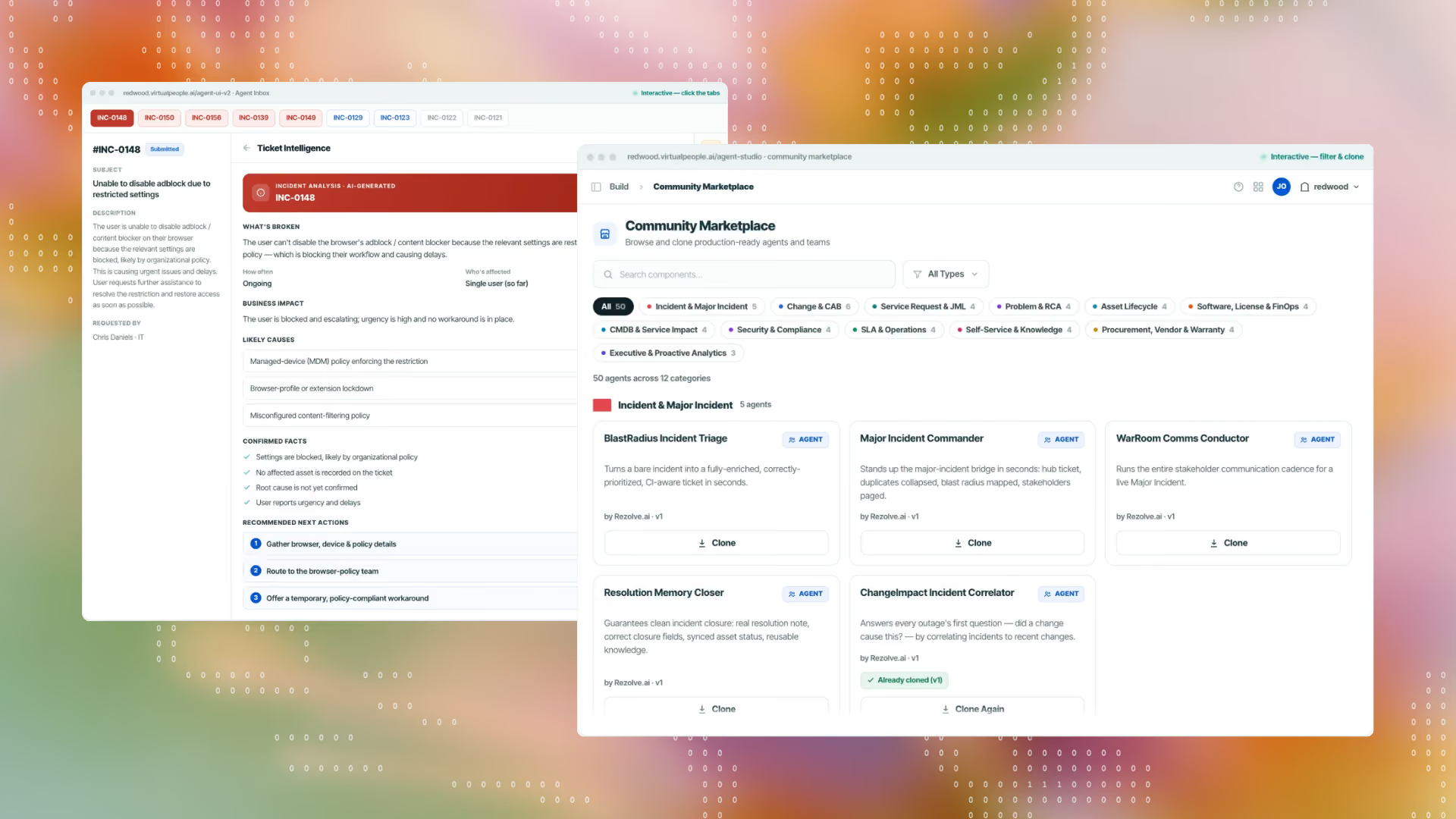
Who it's for: Organizations that live primarily in Microsoft Teams and want a quick service desk deployment within weeks.
Key AI features:
Pros: Users highlight a strong Microsoft Teams experience with the chatbot that lets employees resolve issues directly where they already work and effective ticket deflection through knowledge-based answers.
Cons: The Teams-first focus can be limiting for organizations that need broad omnichannel coverage or don't run primarily on Teams. Users also have flagged that ticketing features and customization are basic.
Pricing: Subscription-based, tiered by plan and user count with custom pricing
Ratings: G2: 4.8/5 (38 reviews) · Gartner Peer Insights: 4.4/5 (8 reviews)
What actual users are saying:
I've been impressed with how well received the Rezolve Chatbot was adopted by our user base. The only real downside was the initial unfamiliarity of what features a ticketing system should have. — Verified G2 user
Workativ was founded in 2019 as a no-code workflow automation and conversational AI platform for IT and HR teams. The founding pitch was speed and accessibility being a no-code SaaS platform that let businesses design, automate, and deploy conversational AI chatbots for Slack and Teams support in under 60 minutes.
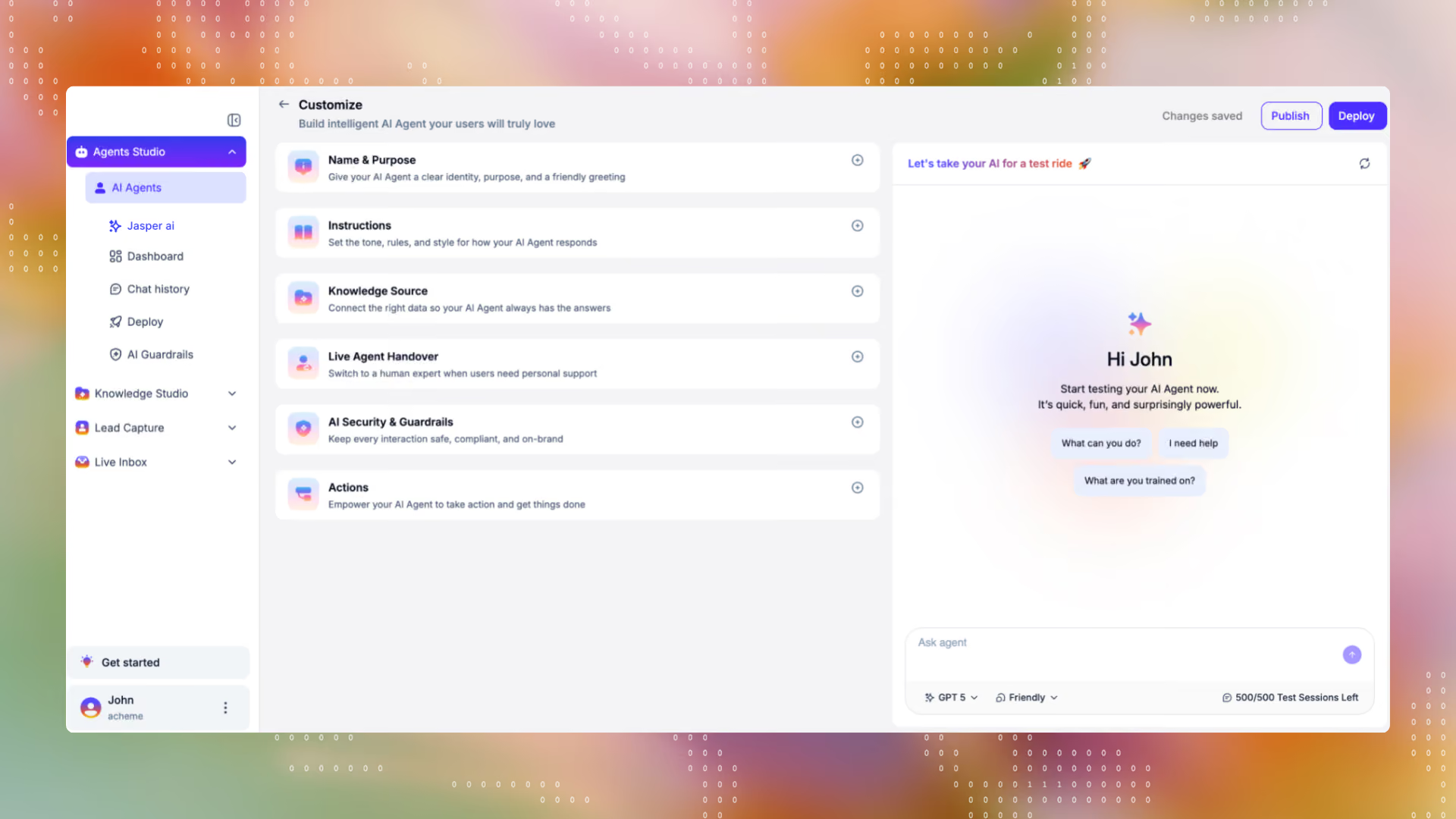
Workativ is now positioned as an AI Agent platform for HR and IT teams, where AI agents answer employee questions (PTO, benefits, policy, password resets) and autonomously run onboarding, offboarding, 30/60/90 check-ins, performance cycles, hiring, and compliance workflows within Slack and Teams with no coding required.
Who it's for: HR and IT teams that want AI agents handling both conversational Q&A and full autonomous workflow execution, without needing developer resources.
Key AI features:
Pros: Users call out the exceptional deployment support, pre-built templates and workflows that let teams go live in hours.
Cons: Searching for related help articles, bot window limits, and actionable notifications are called out as the cons of Workativ.
Pricing: Starter: $99/month (200 AI chat sessions), Business: $349/month (500 sessions) · Enterprise: custom quote (2,000+ sessions)
Ratings: G2: 4.8/5 (3 reviews)
What actual users are saying:
The platform provides a ton of capability to build the bot and also automate app workflows. Also, the pre-built templates and workflows help you go live easily in hours. — Verified G2 user
By 2026, listing incident management, asset tracking, and self-service portals as "things to look for" in an ITSM tool. Every tool in this guide has these. They're table stakes, not decision criteria. What actually separates one platform from another now comes down to five questions.
This is the single biggest differentiator in the category right now. A bolted-on AI layer (like Now Assist on ServiceNow, Rovo on Jira, or Freddy AI on Freshservice) summarizes tickets, drafts responses, and surfaces knowledge articles for a human to act on. A native AI layer (like Atomicwork's AI Coworkers, Console, or Workativ) can complete the request itself — provisioning access, resetting a password, closing the loop — without a human in the middle. Know which one you're actually buying before you compare feature lists.
Workflow automation (Era 2 platforms) is genuinely useful; it routes tickets, triggers approvals, and enforces SLAs. But it automates individual steps, not the whole job. AI Workforce platforms (Era 3) automate at the level of a job function: an AI coworker doesn't just route a laptop request, it diagnoses what's actually needed, checks entitlement, provisions it, and closes the ticket. Ask which of these two levels a tool is actually operating at.
This question barely existed a few years ago, and now it's arguably the most important one on this list. It's not enough to ask whether a tool is SOC 2 or ISO 27001 certified (most in this guide are). The real question is whether it governs what the AI itself is allowed to do. Can you scope an AI coworker to specific systems and actions? Is there an audit trail of what it touched and why? Can you pause or override it mid-task? Platforms built AI-native tend to treat this as core architecture (Atomicwork's model, for instance, governs each AI coworker across access, identity, and permission boundaries individually); platforms with AI bolted onto an older system often inherit that system's governance model, which wasn't designed with autonomous action in mind. This distinction matters more the more autonomy you're handing the AI.
Interface quality gets all the attention in demos; support quality is what determines whether your team actually adopts the tool six months in. Ask vendors directly about response time SLAs, whether you get a dedicated implementation contact, and what happens when something breaks at 2am not just whether they offer "24/7 support" as a checkbox.
There are two ways to bring AI into service management — and the honest answer is you don't have to choose one forever.
Layering AI on your existing platform — bolting an agent onto ServiceNow or Jira — is the lower-friction way to start. You keep your current setup and add intelligence on top. The trade-off: native add-ons like Now Assist or Rovo generally only see what their host platform's data model exposes, only act within that platform's limits, and are priced as a premium tier on top of a license you already pay for.
Replacing the legacy core with an agentic-native platform rebuilds service management around resolution instead of routing. Context lives in one place, the agent acts end to end, and you stop paying for the legacy layer underneath. It's a bigger decision — a platform change, not a plugin.
Atomicwork is built for the second outcome but lets you begin with the first: its AI Workforce runs on top of ServiceNow or Jira Service Management with no migration and no platform fee, so you can put agentic resolution to work on day one and replace the legacy core once the results make the case for themselves.
The question to put to any vendor: can the AI only summarize and suggest inside your existing tool, or can it resolve a request end to end on its own? That line — suggest versus resolve — matters more than which logo sits underneath.
Choosing the right AI ITSM tool is not easy. That's why we've built a comprehensive buyer's guide to help ease the process for you.
We’re happy to assist you in your search for the right ITSM software. Connect with our team of experts today!